
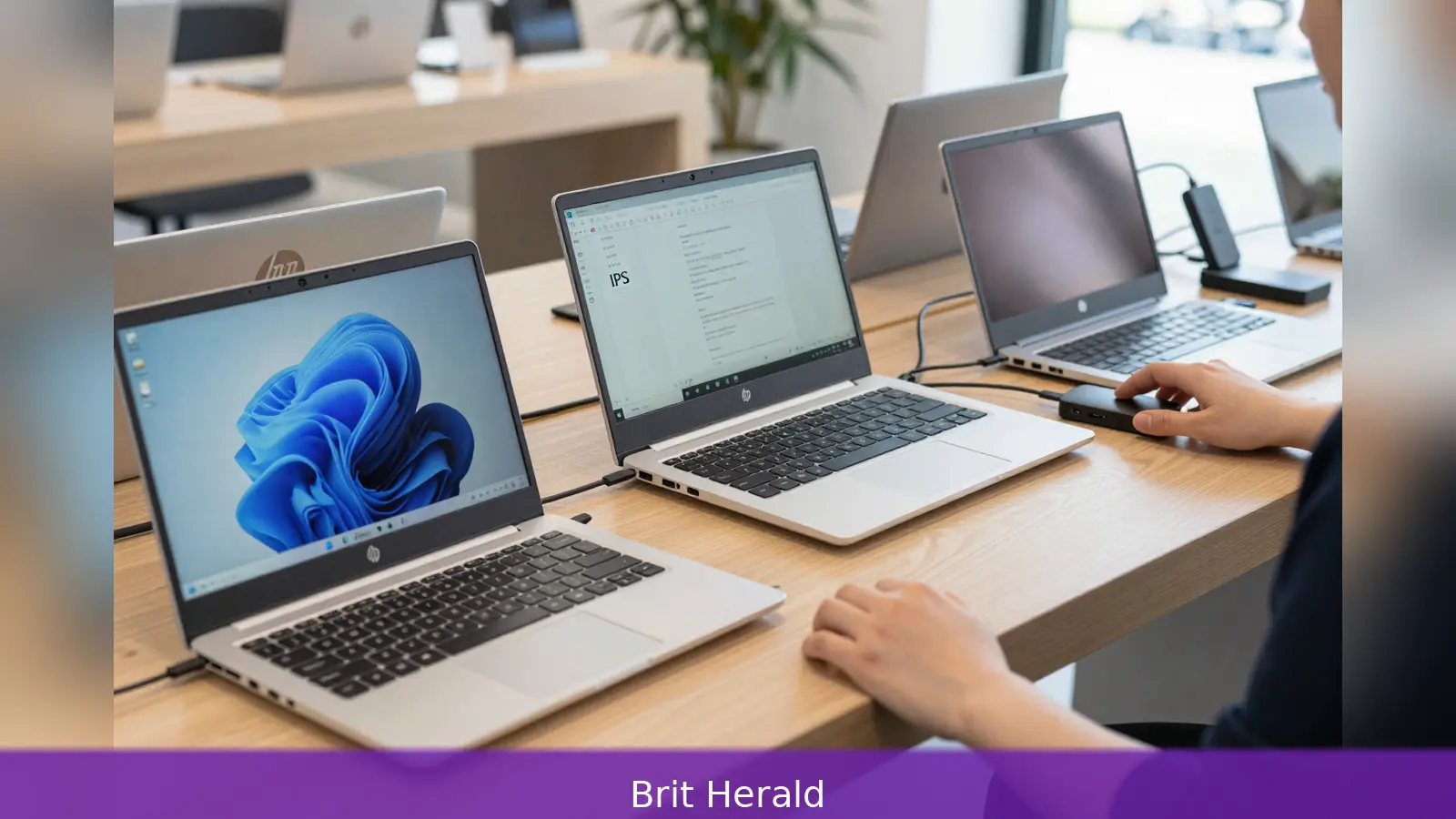
14 inches is the single most consequential figure for anyone considering the HP OmniBook Ultra 14, because that screen size defines how the machine fits into the thin-and-light laptop class. HP positions the OmniBook as its flagship 14-inch Windows ultrabook, offered with Qualcomm Snapdragon X2-series ARM chips, AMD Ryzen AI-series APUs and Intel Core Ultra-series processors, plus premium metal chassis and multiple high-resolution panel options. Reviewers from CNET, PCMag, Trusted Reviews, Notebookcheck and Wired tested different configurations and reached consistent trade-offs: choose the CPU first, then the panel, and expect price and battery life to change as a consequence. Below is a buyer's sequence that organises those recommendations into practical steps so you leave the shop with the configuration you actually need.
14 inches is the number that explains most of the OmniBook Ultra 14's design choices: chassis proportions, port layout and the balance HP seeks between portability and usable screen area.
1. Choose the processor family that matches your work
The first decision is the CPU family because reviewers reported clear differences in performance, battery life and compatibility across the three chiplines HP offers. CNET favoured the Snapdragon X2 variants for what it called a superior mix of performance and endurance, explicitly naming the Snapdragon X2 Elite as the battery winner among the architectures it tested. If long unplugged use is your priority and you accept the caveats that come with ARM Windows compatibility, a Snapdragon X2 model is the straightforward pick.
For users who need broad x86 application compatibility and stronger integrated GPU performance for light creative work, AMD's Ryzen AI options are the pragmatic middle way. PCMag highlighted Ryzen AI for strong CPU performance and balanced memory choices, suggesting these configurations suit productivity and occasional content creation without the quirks of an ARM build.
Intel Core Ultra variants sit at the performance end of the spectrum. Notebookcheck reviewed higher-end Core Ultra X9 units and found them powerful but costly, and in some benchmarks less efficient than lower-tier Core Ultra chips such as the X7.
That makes Intel the sensible choice only if you prioritise peak CPU throughput and are willing to pay a premium for it.
Practical rule for you: first decide whether you need maximum battery life, maximum compatibility, or maximum single-thread and multi-thread grunt. Then pick Snapdragon X2 for battery, Ryzen AI for compatibility plus a strong integrated GPU, and Intel Core Ultra if raw performance is the priority and cost is secondary.
2. Pick the panel you will actually use
Panel type is the second big decision because reviewers tested different screens and reported materially different results. Notebookcheck and several outlets described 120 Hz OLED panels available on many configurations and praised OLED for higher contrast and richer colour. Wired measured the OLED's peak brightness at 447 nits and recorded a Delta-E of 0.72 in the Photos & Video mode, a level of colour accuracy that makes OLED attractive for creative tasks.
Trusted Reviews, by contrast, tested a 14-inch 2.2K IPS touch panel and found it competent but less showy. The practical implication is straightforward: choose OLED if you want deep blacks and strong colour for photos, video and general polish, but expect strong reflectivity on the glass surface as Wired observed. Choose IPS if you prefer a more matte look, potentially easier daylight viewing and a less mirror-like finish.

If battery economy is important, also treat resolution and refresh rate as variables that affect endurance. Lower-resolution OLED options or a 60 Hz panel will conserve battery compared with higher-resolution, higher-refresh alternatives.
3. Ports, battery and the way you travel
Two hardware realities you must accept early are the OmniBook's minimalist port set and that battery life varies with CPU and panel choice. All reviewers described a compact connectivity approach that prioritises USB-C and a 3.5mm jack rather than a wide array of legacy connectors. PCMag and Trusted Reviews confirm two high-speed USB-C ports that are Thunderbolt 4 or USB4-capable in many configurations. Wired tested one configuration with three USB-C ports, two on the right and one on the left, and reported that all three supported power delivery and DisplayPort. Trusted Reviews also noted a single USB-A hidden behind a cover on some units.
The consequence is simple: plan to use USB-C for charging and display output, and budget for at least one dongle or a compact dock if you need HDMI, Ethernet or several USB-A ports. If you rely on multiple external monitors or wired networking on the move, a small USB-C dock will save frustration.
Trusted Reviews lists a 68 Wh battery for the OmniBook Ultra 14. Reviewers generally agree that Snapdragon X2 models deliver superior endurance. CNET reported notably long runtimes from its Snapdragon sample and recommended that model for daily all-day use. Notebookcheck noted that some higher-power Intel Core Ultra configurations draw significantly more energy and therefore shorten battery life compared with ARM and some AMD variants. If long unplugged sessions matter, prioritise Snapdragon X2 builds and consider lower-resolution or lower-refresh OLED options.
On portability, PCMag recorded a weight near the common ultraportable boundary at 3.47 pounds and a thickness of 0.65 inch, calling the chassis solid and rigid despite being near that weight threshold. Wired and CNET praised the keyboard and trackpad quality, with CNET singling the keyboard out as one of the best among competing 14-inch Windows machines. Trusted Reviews described the chassis as sturdy but slightly generic in styling and noted the laptop felt a little heavy for its size. A practical takeaway is to account for roughly 3.5 pounds when packing; the machine is premium but not featherweight.
4. Price, upgrades and what to buy
Price is where strategy matters most because reviewers recorded wide variation across configurations and regions. PCMag listed AMD configurations starting at $1,349.99 in the United States, while Trusted Reviews used a UK price of £1,299 for a Ryzen-based unit. Wired reported the retail price had risen to $1,900 from an initial $1,250 launch price. CNET observed Snapdragon X2-based models starting at $1,900 in some markets but noted HP discounts that have pushed similar configurations down to about $1,200 at times; CNET also documented a reviewer-built configuration that landed at $1,980 after a $650 discount. Notebookcheck cited a wide span with high-end Core Ultra X9 configurations near $2,800 and lower-tier Core Ultra X7 options around $1,300 to $1,800.
Given that variability, the street price should determine value more than headline specs. Shop HP's official store and major retailers for discounts before you commit, because reviewers documented large temporary discounts that materially changed the value proposition. The simplest buying method is to pick the CPU and panel you want, then watch prices for a short period to catch HP promotions or retailer deals that bring a higher-spec unit into your budget.
Upgradeability is limited as with most thin ultrabooks. Reviewers report modern NVMe storage and memory options up to 64 GB on some configurations, and storage up to 2 TB on top-spec units. If you plan to keep the laptop for several years or need significant local storage, buy the memory and SSD you expect to use at purchase rather than relying on aftersales upgrades; few reviewers emphasise easy user-servicing on these thin designs.
Plan accessories around limitations you already accept. Because port counts are low, buy at least one multiport hub or USB-C dock if you need external displays, wired networking or multiple peripherals. If you select an OLED panel, budget for measures that reduce reflections in your workspace such as an anti-reflective screen protector or thicker curtains in brightly lit rooms.
Final purchasing checklist in numbered prose: First, choose the CPU family that matches your workflow and app compatibility needs. Second, choose the panel type you can live with day to day, OLED for colour and contrast or IPS for a less reflective finish. Third, confirm the port set you will actually use and buy a dock if required. Fourth, select the RAM and SSD you will want for the long term. Fifth, monitor HP's official store and major retailers for discounts and the best street price before you commit.
For you who want a short verdict: the OmniBook Ultra 14 is a premium 14-inch Windows ultrabook that asks the buyer to make three explicit choices: CPU family, panel type and port strategy. Make those choices in that order and you will either buy a long-lived, efficient Snapdragon machine or a more compatible Ryzen or higher-performing Intel model, depending on which matters more to your work.
Related Articles
- Free NHS prescriptions on Universal Credit: two income tests
- Stop unsafe retraining: map, gate and prove your data
- 5 steps from Cory Doctorow show the real price of AI
Shop HP's official store and major retailers for promotions before you commit, because prices and availability have varied significantly and temporary reductions can change the OmniBook Ultra 14 from cautious consideration into a compelling buy.
This article was created with AI assistance.


