
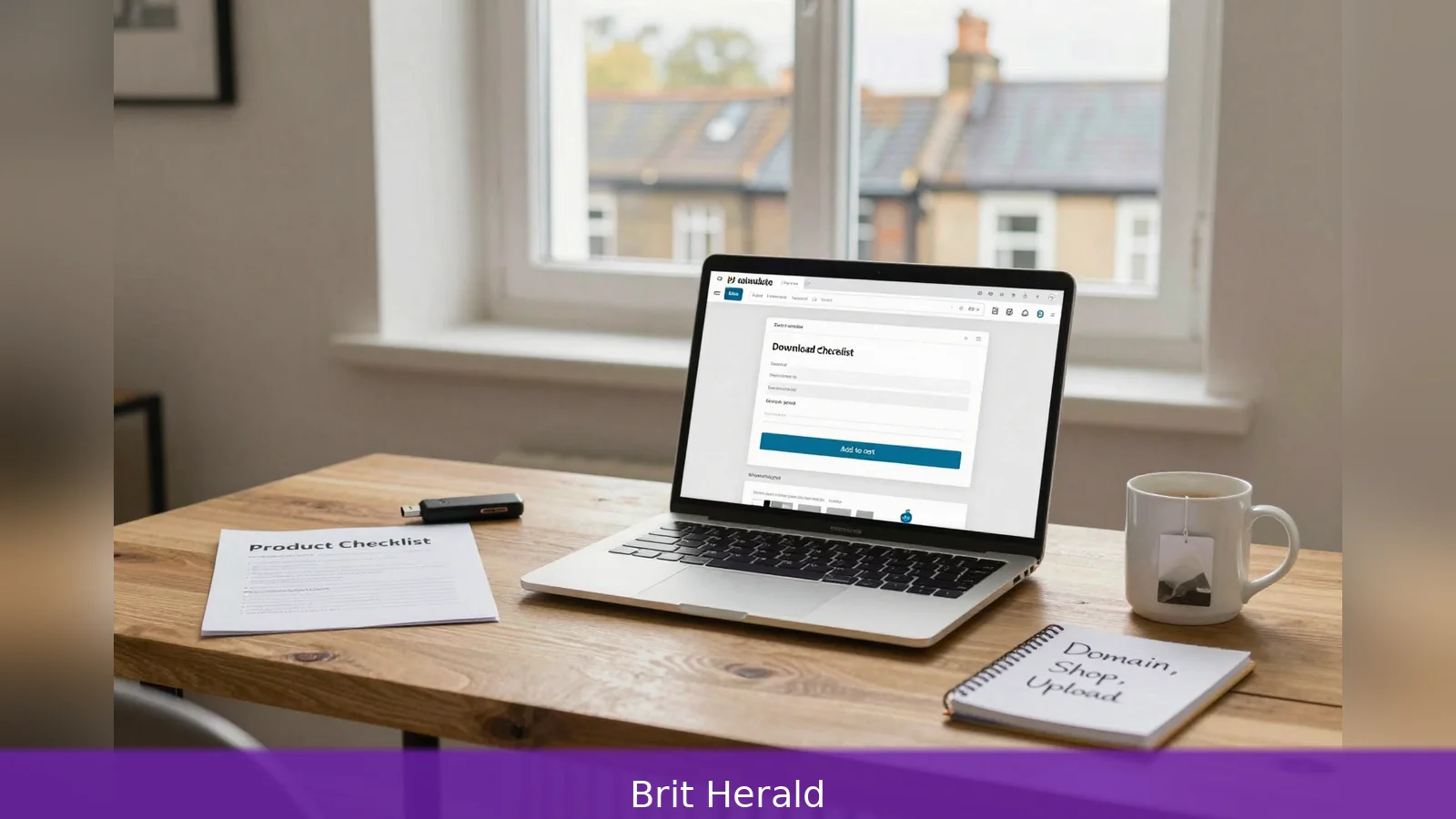
How can a single downloadable file keep earning months or years after it's made? The answer lies in one idea: solve a clear customer problem and structure delivery so the same asset can be sold repeatedly. This ten-step sequence for beginners in Britain lays out what to create, how to host and sell it, how to take payments and what administrative checks to complete, including consulting HMRC guidance on tax and reporting. Follow the concrete next step at the end to have a live shop and a sellable product within days.
Why can one downloadable file behave like a factory, producing revenue long after its creation?
Because digital products have near-zero reproduction cost once you have a finished master file, and because the web makes delivery instant. That commercial logic is the running assumption here: low overheads, high margins and global reach. For a beginner in Britain the practical question isn't whether the idea can earn, but how to turn a problem you can solve into a reliable sales flow. The following ten-step sequence assembles the practical, how-to guidance you need, drawing on UK-focused small-business advice and the workflow documentation a website host provides for setting up a shop and delivering files.
Getting started: the product and the problem
First, define what a digital product is and why it suits you. A Digital product is any item created, sold and delivered entirely online, with no physical stock, packaging or postage involved. Typical examples are ebooks, short recorded course lessons, printable templates, design files, membership sites that charge recurring access fees, and software or apps. The commercial attractions are straightforward: the same file can be copied and delivered repeatedly without production or shipping costs, and sales can reach buyers around the world instantly.
Second, start by solving a specific problem rather than building a broad concept. The best early products are narrow and targeted. Identify repeat questions people ask you, tasks clients already pay you for, or a clear pain point a template or short module will remove. For example, if clients routinely ask for a reporting spreadsheet, that spreadsheet can become a paid template. If readers repeatedly ask how to format a pitch deck, a short design-template bundle might be the right format. Narrow scope makes pricing easier, marketing easier and production faster.
Third, choose the right format for the problem. Match format to solution and to how your audience consumes content. Short how-to ebooks and printable PDFs work when the value is a neatly packaged guide. Recorded lessons fit step-by-step teaching. Templates serve repeatable tasks. Apps or plugins suit automation and integration needs. Format choice shapes the file types you will produce, the way you present the item on your product page, and the technical delivery method you will use.
Build and protect the product
First, build the product around a reusable master file. For downloadable goods you should create a clean, final master: a finished PDF, compressed video files or a packaged plugin binary. For membership sites and courses host the lessons in a structured access area. A website host that documents shop setup emphasises that digital goods live on servers and are copied from a master file, so protecting that master and keeping reliable backups are early technical priorities.
Second, make the product testable and presentable. Create a short preview, a table of contents or screenshots to show how the file solves the problem. That preview not only helps sell the product but also reduces refund requests by setting accurate expectations. For templates and design assets include example uses and clear licensing terms so buyers know what they can and can't do with the asset.
Third, plan how you will scale and protect the underlying asset. Once a product sells you can scale by bundling related items, repurposing content into multiple formats, or moving to a membership model for recurring revenue. Protect originals by keeping master files offline or behind admin controls, and choose hosting that supports secure file delivery and account-level backups.
Set up the shop and the payments
First, set up a permanent online shop on your own domain for long-term control and branding. Practical steps include choosing and registering a domain name, installing an online shop or e-commerce plugin, adding appropriate payment methods, designing the storefront with clear product pages and setting up a business email. A hosted one-click shop install shortens the technical route to launch by bundling hosting, SSL and templates, and simplifies delivering files to buyers and managing product pages.
Second, configure payments and automatic delivery. Add payment methods your customers expect, then ensure the shop links purchases to automatic delivery. For downloadable products this typically means automatic links or emailed downloads after purchase. For membership or subscription products this means gated access and recurring billing. The technical setup should minimise manual fulfilment so each sale is delivered instantly wherever the buyer is located.

Third, include basic analytics and backups in your technical checklist. To run a digital shop you need a domain name, a hosting plan that supports e-commerce, an installed shop or e-commerce plugin, configured payment processors, a product page that lists features and previews, automatic file delivery and a way to track visits and conversions. Account-level backups and a business email complete the minimal setup.
First, write product pages that reduce uncertainty. Because buyers can't physically inspect a digital product, strong descriptions, clear learning outcomes and sample content are essential. Use screenshots, short previews or a contents list for ebooks and courses. For templates and design assets show example uses and set out licensing terms. Clear, honest product pages increase conversion and cut refund requests.
Second, market the product using repeatable channels. Treat digital products like any online offer: combine content marketing such as helpful blog posts, tutorials or free samples that demonstrate value with email marketing and social media that point potential buyers to the product page. Marketing should foreground the problem the product solves, not only the features. Early tactics to gather evidence of demand include building a mailing list to launch to, offering a limited-time discount to collect first buyers and using testimonials or case examples once they exist.
Third, handle customer support, licensing and refunds. Even with instant delivery buyers sometimes need help accessing files, retrieving purchase links or understanding licensing terms. Include a support page, a clear refund policy and a contact route. For products that buyers will reuse commercially, set licence boundaries on the product page so expectations are clear and disputes are less likely.
First, price for value not reproduction cost. Guides emphasise that pricing should reflect the customer problem and the value delivered, because reproduction cost is effectively zero. Early pricing strategies include introductory pricing for first customers and tiered options that contrast single purchases with membership access. Clear refund terms and licensing language help protect perceived value.
Second, mind the administrative checks from day one. UK-oriented guidance flags tax and reporting obligations as a necessary administrative layer to get right. Treat digital sales as business income for accounting and tax purposes and keep records that support VAT and income reporting obligations. Specific thresholds, VAT rules and filing deadlines depend on your circumstances, so consult HMRC guidance or an accountant for precise obligations rather than leaving tax planning until you have many sales.
Third, avoid the common beginner mistakes. Typical errors are launching before testing demand, offering a product that's too broad, under-investing in the sales page and neglecting delivery and support. Mitigate these risks by validating demand with an email waitlist or a low-cost pilot, keeping the first product narrow, investing time in a persuasive product listing and automating delivery and support where possible.
Worked scenario: a simple first product
First, imagine you run a consultancy and clients repeatedly ask you for a weekly reporting spreadsheet. You identify that repeat request as the problem to solve and decide the product will be a template bundle with an instruction PDF and a short recorded tutorial. You create a final master ZIP containing the spreadsheet and the tutorial file, and you prepare screenshots and a short preview video to show on the product page.
Second, you register a domain, install a hosted shop that supports digital downloads and add the payment methods customers expect. You upload the master ZIP as the downloadable file and configure the shop to send an emailed download link after purchase. You set an introductory price for the first 50 buyers and build an email sequence that thanks them and asks for feedback.
Third, you add a support page and a short licence section that permits personal and internal business use but not resale. You keep the original master ZIP offline in a backed-up drive and monitor analytics to see which marketing channels bring visitors who convert. That cycle gives you early customers, feedback and the proof you need to refine the product or bundle it with related assets.
That worked scenario follows the ten-step sequence in miniature: identify a specific problem, pick a format, build a master file, register a domain, install a shop, configure payments and automatic delivery, write a clear product page, market the product, manage support and tax, and plan for scaling and protection.
First, have a final master file and at least one reliable backup. Second, make sure the product page includes a clear problem statement, sample content and licensing terms. Third, test the payment and delivery workflow end to end so buyers receive their download link instantly. Fourth, prepare a basic support route and a short refund policy. Fifth, register your domain and confirm hosting supports automatic delivery and backups.
One guide and a website host both underline the value of testing the entire checkout and delivery path before promoting the product. That small test prevents the common scenario where the product is ready but buyers can't access it, or the shop doesn't send the download links automatically.
1. Solve one clear problem and choose the simplest format that fixes it. 2. Build a reliable master file, back it up and keep the original offline. 3. Register a domain, install a shop and configure automatic payments and delivery. 4. Write a product page with previews, licensing and clear outcomes. 5. Market through content, email and social channels, and treat tax and record keeping seriously with HMRC guidance.
Related Articles
- 8 steps to launch a tech product that actually scales
- Register for Birmingham Council Tax online
- Apply for Sheffield accommodation: 5 essential steps
Choose and register a domain name, install an online shop with your chosen host and upload a single narrow product page with a short preview and a simple payment path; that concrete next step is the single action that moves an idea into real customer feedback.
This article was created with AI assistance.


