
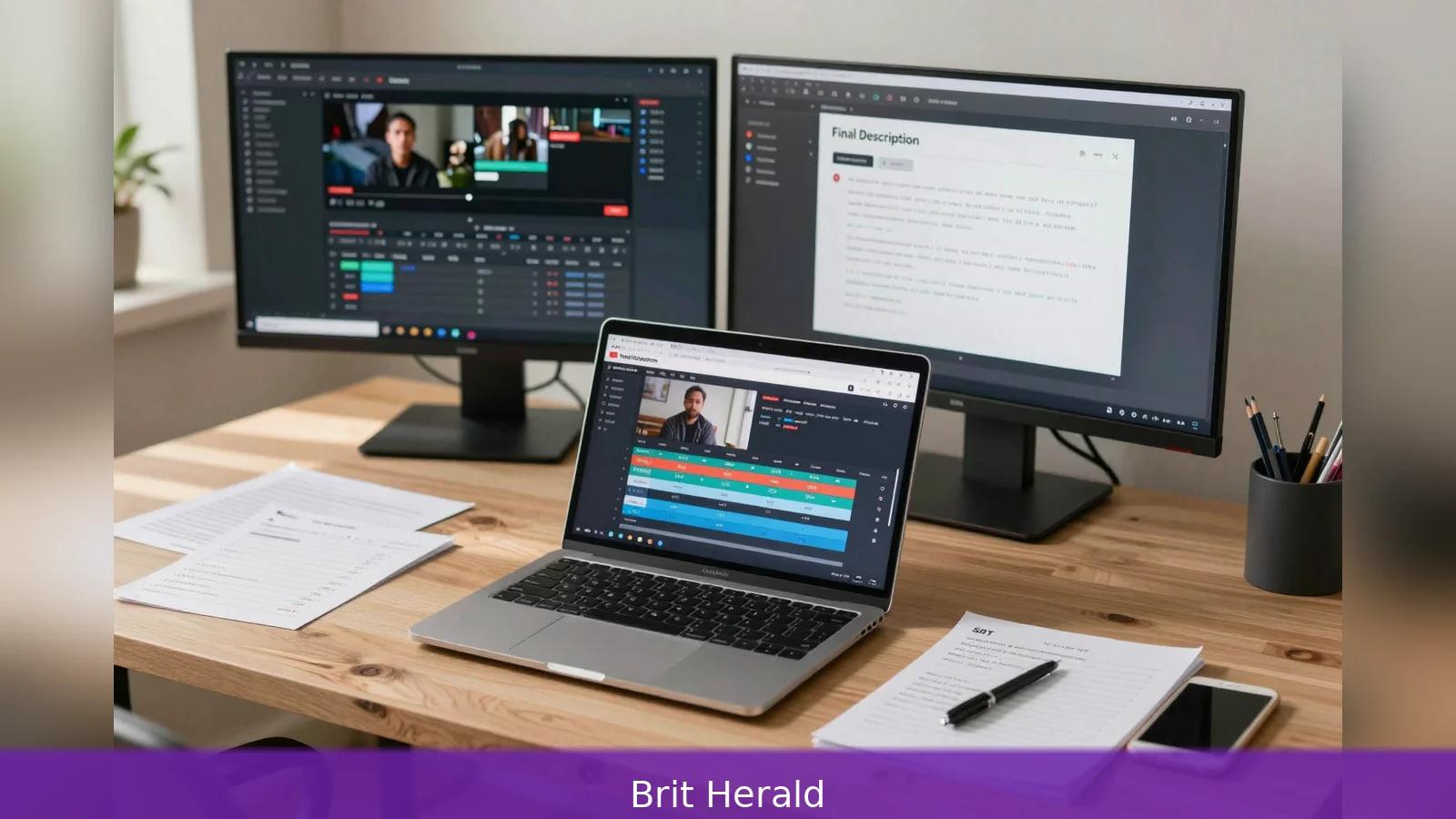
Higher click-through rates and clearer SEO signals follow when creators use tightly constrained Gemini prompts that include the video URL or search grounding, because Gemini in 2026 can attach a YouTube link, use URL context and accept timestamps and SRT captions. Gemini now runs with search grounding or URL context, respects token budgets for long videos, and accepts creator timestamps and SRT captions as inputs. The practical result is a repeatable six-step workflow you can adopt: enable Gemini’s YouTube integration or use the developer studio, prepare assets and timestamps, run a role-and-constraint prompt tuned for discovery and retention, request chapters and captions in the format you need, check token usage, and export the description and SRT. Follow the checklist below.
You will save hours and win more views when Gemini attaches a YouTube link and runs with search grounding, because it can combine URL context, timestamps and captions to produce descriptions that match 2026 search signals.
How Gemini changes description writing in 2026
Gemini in 2026 isn't a simple text generator for metadata. It accepts a YouTube link as input, it can run with search grounding or live URL context, and it will accept creator timestamps and SRT captions as inputs. The practical consequence is twofold. First, a description produced from the video itself and live web context will tend to place your primary keyword where search systems expect it. Second, Gemini will create chapter timestamps and SRT files you can upload directly to YouTube Studio, improving accessibility and giving YouTube systems more to index.
For creators the headline mechanics are straightforward. The model can be reached through a consumer-facing web app with an extensions toggle, or via a developer-facing studio. Some walkthroughs describe enabling a YouTube extension in the Gemini web app, while afb.org shows an alternative route through aistudio.google.com when you are logged into Google and working in the developer environment. Confirm which interface appears in your account before you begin, because the path you use determines which controls and advanced settings you see.
The six-step workflow
First, get access and choose the right Gemini entry point. Gemini in 2026 is available in consumer and developer plans, and paid accounts expose developer options and advanced previews. If you are a solo creator the basic consumer route may be enough, but paid accounts expose developer options and advanced previews. Afb.org documents the developer route into AI Studio while prompt-pack authors describe the consumer extensions path. Verify which interface you have and whether your account shows an extensions toggle or an attachment field in the developer studio.
Second, prepare the video link, timestamps and context for Gemini. Copy the YouTube video URL and paste it into Gemini so the model can attach the video automatically. If search grounding or URL context is enabled, Gemini will pull trend context and current references relevant to 2026 topics. Good prompt hygiene here matters. Provide the video title, primary keywords, your target audience, links you want in the resources block, and standout moments you want emphasised. For chapter metadata include a 00:00 first timestamp, plan at least three timestamps overall, and ensure each chapter is at least 10 seconds in duration.
Those rules match the chapter generation logic used by Gemini-based workflows and YouTube’s key-moments features.
Third, configure token budget and model settings before you run the prompt. Afb.org reports a visible token quota in their interface tests and notes that long-form uploads can consume a material number of tokens. For long videos either request a condensed description, or process the video in segments and stitch the outputs together. The advanced controls in the developer studio expose model selection and temperature. For most creators the default sampling settings produce reliable prose, but lower temperature and tighter constraints if you need shorter, deterministic outputs.
Fourth, run role-and-constraint prompts engineered for YouTube discovery and retention. The consensus across prompt packs is: tell Gemini a clear role, state the task, provide context about niche and audience, list keywords and links, apply explicit constraints on length and tone, and ask for a single deliverable with no preamble. One high-CTR template asks Gemini to output a single section titled "Final Description" followed by a "Timestamps & Links" line, and to place the primary keyword in the opening text. Prompt packs vary on the exact placement rule; some put the keyword in the opening sentence, others specify placement within the first 90 to 120 characters. When in doubt, prioritise placing the primary keyword as early as natural without breaking readability.

Practical description formulas that prompt packs recommend include a one- or two-sentence value hook up front, three semantically related terms used once each, and a "Stay Longer" line that teases a mid-video payoff to help retention. Ask for plain text if you will paste the description by hand, or valid JSON if you automate uploads. Tell Gemini to avoid preambles and to deliver only the final description block so there's no trimming to do when you paste into YouTube Studio.
Fifth, generate chapters and captions as part of the same session and validate them before upload. Many creator workflows, including the sequence recommended by FelloAI in 2026, bundle topic gap analysis, hook generation, timed outlines, section writing, Shorts cutdowns, chapter timestamps and final metadata and captions. Use the session to request chapters with embedded timestamps starting at 00:00, ensuring the session outputs at least three timestamps and that no chapter is shorter than 10 seconds. When you ask Gemini to produce SRT captions, request the standard SRT timecode format and a line count consistent with YouTube caption limits. Uploading SRT files improves accessibility and can surface automatic chaptering and searchable snippets on the platform.
Sixth, refine, test and maintain the prompt library. Dayprompts and FelloAI recommend iterative practice. Run a first pass aimed at 150 to 220 words, then request a concise second pass that tightens length and keyword placement. Store the prompt plus success criteria so colleagues reproduce the same outputs. FelloAI recommends testing the same prompt across multiple models to find the voice that needs the least editing. When you rely on search grounding, re-run the prompt before publishing an evergreen video that cites trend data, because web signals and recommended keywords change over time.
Token consumption shapes the workflow more than most creators expect. Afb.org’s tests show a visible token counter in the interface and caution that long videos can be a material token cost. That estimate will vary by account, model version and the prompt itself, so monitor the token counter in your interface and budget for long videos. Where token budgets are tight, process the video in segments. Ask Gemini for a condensed description or for chapter generation only, then combine the outputs offline.
Other practical checks cut down on publish friction. Include the primary keyword within the opening line or inside the first 90 to 120 characters to match SEO-first prompt packs. For chapters to register as YouTube key moments and to be parsed reliably by Google systems, include 00:00, at least three timestamps in the chapters list, and minimum chapter durations of 10 seconds. When requesting SRT captions, ask Gemini to follow the standard timecode format so the file uploads to YouTube Studio without manual repair. If Gemini is running with URL grounding and returns research-linked claims, ask it to append a short source note for each claim so you can vet factual lines before publishing.
Control the output format in the prompt. If you will use an automated pipeline to update descriptions, request valid JSON with two keys, for example "final_description" and "timestamps_and_links". If you paste manually, ask for plain text with a clear "Final Description" heading followed by a separate "Timestamps & Links" section. Insist on no preamble and no editorial comments from the model, because extra lines are the most common reason for copying errors into YouTube Studio.
Finally, maintain a short library of success criteria. Keep one record that defines acceptable length, keyword placement, tone, and the expected number of editing passes. Run the same prompt across two or three models to find the one that requires the least manual polish. Store versioned prompts so teammates reproduce consistent descriptions when they take over the upload process.
After you approve the text and captions, copy the "Final Description" text into YouTube’s description box and upload the SRT file through YouTube Studio. Include the "Timestamps & Links" paragraph exactly as generated by Gemini as your chapter and resources block so YouTube can parse key moments. If you used search grounding or URL context, double-check any external links and factual claims for accuracy before publishing.
Do a quick live check on one or two devices. Validate that chapters appear in the video player and that captions align to spoken audio. If chapters fail to appear, confirm 00:00 is present, that timestamps are in ascending order, and that no chapter is shorter than 10 seconds. If captions misalign, ask Gemini for a tighter SRT timecode format and re-upload. Keep an export of the prompt and the accepted output as part of the project assets so you can repeat the run when you update the video or republish.
Above all, confirm the Gemini interface you have at the start. The consumer route is to enable the YouTube extension in the Gemini web app. The developer route is to attach the video in AI Studio via aistudio.google.com as afb.org outlines. Which interface you open determines whether you work with a toggle in the web app or with developer attachment fields and advanced previews, so check first and then run the six-step workflow.
In short, the method reduces to repeated, testable moves: First, confirm access and entry point. Second, prepare URL, timestamps and context. Third, set token budgets and model parameters. Fourth, run a role-and-constraint prompt that demands a clean "Final Description". Fifth, generate chapters and SRT captions and validate them. Sixth, export and store the prompt plus success criteria for reuse.
Related Articles
- Can one UK bank account really be best for everyone?
- UTC offsets: the simplest fix for scheduling chaos
- How SKILL.md turns Gemini CLI into a specialist
Always include 00:00, at least three timestamps and a minimum chapter duration of 10 seconds so YouTube and Gemini parse your chapters and key moments correctly.
This article was created with AI assistance.


